Web app · Recharts · RBAC · audit
SaaS dashboard
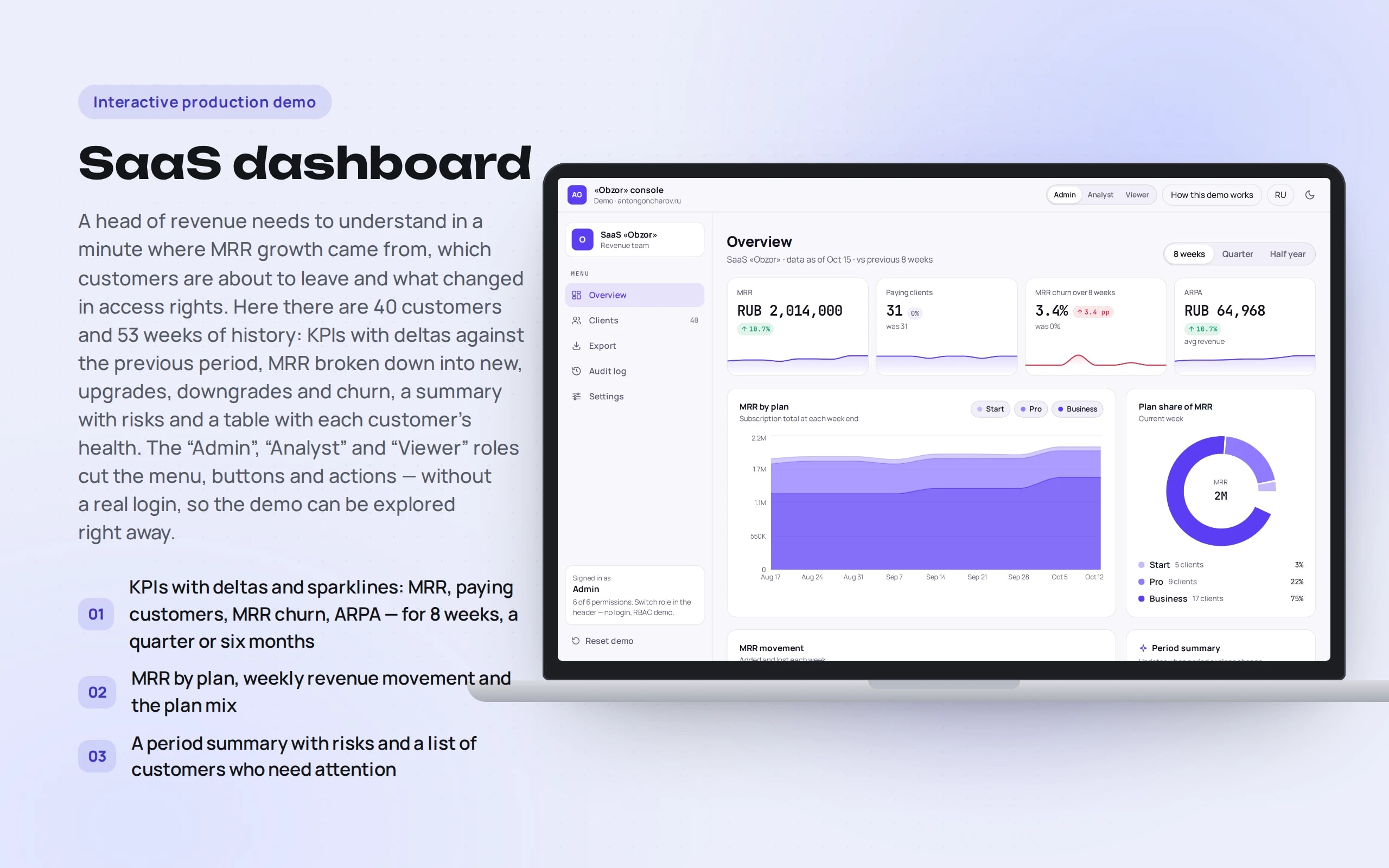
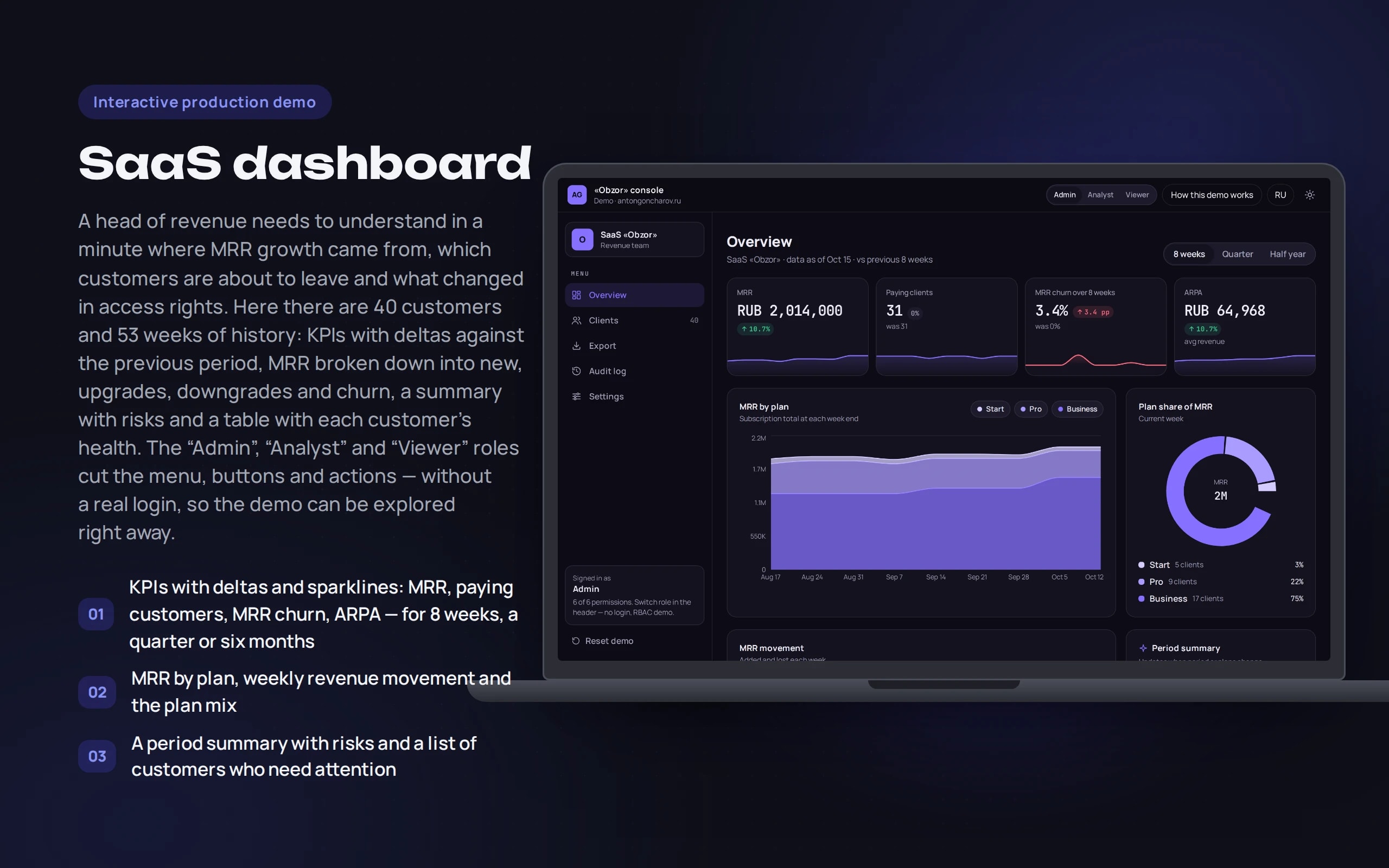
A head of revenue needs to understand in a minute where MRR growth came from, which customers are about to leave and what changed in access rights. Here there are 40 customers and 53 weeks of history: KPIs with deltas against the previous period, MRR broken down into new, upgrades, downgrades and churn, a summary with risks and a table with each customer’s health. The “Admin”, “Analyst” and “Viewer” roles cut the menu, buttons and actions — without a real login, so the demo can be explored right away.
Scenario: Obzor SaaS — a fictional subscription analytics service; the dashboard is its revenue team’s internal workspace.
Open the demo
Changes are stored in the browser; “Reset demo” in the menu restores the original history.
The app runs in your browser: nothing is sent to a server.
What the demo shows
How to try it
Look at the overview
Switch the period to “Six months” — KPIs, charts and the summary are recalculated.
Open an at-risk customer
In the “Needs attention” block, the card shows why the health score dropped.
Change the plan
Move the customer to Business — MRR on the overview grows, and an entry appears in the “Log”.
Become a viewer
“Export”, “Log” and “Settings” close, and changing the plan becomes unavailable.
No paid neural networks
Customers and history are synthetic, roles switch in the UI without a server session, and the log and settings live in localStorage. In a production project the summary is written by an LLM from the same numbers — here it’s JS rules, with no paid requests. In production, roles come from JWT/SSO, the API checks permissions, and data comes from billing and the CRM.
The demo runs without OpenAI, YandexGPT or GigaChat API keys. Wherever a production system calls a model, there’s a local stub with the same interface — so the demo is free, always available and never makes things up.
What a production project adds
- Permissions and the activity log on the server: 403 instead of hidden buttons
- Data from billing and the CRM, metrics recalculated on a schedule
- Alerts by email and Telegram, a weekly summary
- Saved table views per user
Stack
- All demos by stack:
- React
- TypeScript
- React 19
- TypeScript
- Recharts
- Vite
- Tailwind CSS
Developer’s comment
Anton Goncharov
AI systems developer · Python
For business
- You can see what MRR growth is made of: new customers, upgrades and churn — separately.
- At-risk customers surface on their own, with a reason: unused seats, tickets, overdue payments.
- The audit log answers “who changed the plan?” without an investigation in chats.
For developers
- One generator of a year’s history — all charts, the table and the summary are calculated from it.
- RBAC is capability-based permissions checked both in the UI and in the reducer; covered by tests.
- CSV with “;”, BOM and CRLF — opens in Russian Excel with a double click.
Tips
Tip 01
Check roles both in the menu and on actions: a hidden button isn’t authorization.
Tip 02
Show not just MRR but its movement — a single number doesn’t reveal that customers are leaving.
Want the same for your business?
Tell me about your task — I’ll tell you what from the demo fits, how long it will take and what I’ll need from you.
Other demos in this section
All demos- live

Web app · OCR · validating company details
Document recognition
Upload an invoice or a certificate of completion — a photo, scan or PDF. The app recognizes the text, extracts company details and table rows and validates them: tax ID and account checksums, the total and VAT.
- React
- TypeScript
- In-browser neural network
- live

Web app · conversations · deals · analytics
Operator panel
The workspace of an operator who receives difficult requests from a bot: a queue with a timer, a conversation summary, a reply draft, deals on a kanban board and analytics — on a live stream of customers.
- React
- TypeScript
- live

Web app · Laravel · PostgreSQL
Warehouse system on Laravel
Warehouse accounting where stock is the sum of ledger entries, not a “qty--” field: orders with all-or-nothing reservation, picking by bin, receiving with CSV import, stocktaking and a ledger. A race between two real PHP processes in PostgreSQL shows why row locking is needed.
- PHP
- live

Web app · metrics · alerts
Bot monitoring
How a bot is watched in production: how many requests, how fast it answers, how often it fails or doesn’t know the answer. A request log with a trace of every answer and rules that message the on-call engineer in Telegram when something goes wrong.
- React
- TypeScript
- live

Python scraper · runs in the browser
Competitor price monitoring
A Python scraper crawls the websites of three competitors of an electronics store every day: an HTML catalog with pagination, a sitemap with JSON-LD and an SPA with an API. It matches products with the catalog, sends notifications about changes, recommends a price by rules and exports a report to Excel. Python runs right in the browser.
- Python
- React
- TypeScript
- live

Web app · PWA · vanilla JS
Offline courier app
A courier’s working day: orders, a call to the customer, handover with a photo and signature. The app opens and works without a network, and changes go to dispatch when the connection returns. If the dispatcher changed the same order in the meantime, the courier chooses which version is right.
- Vanilla JS